 Scrubshot
Automatic detection
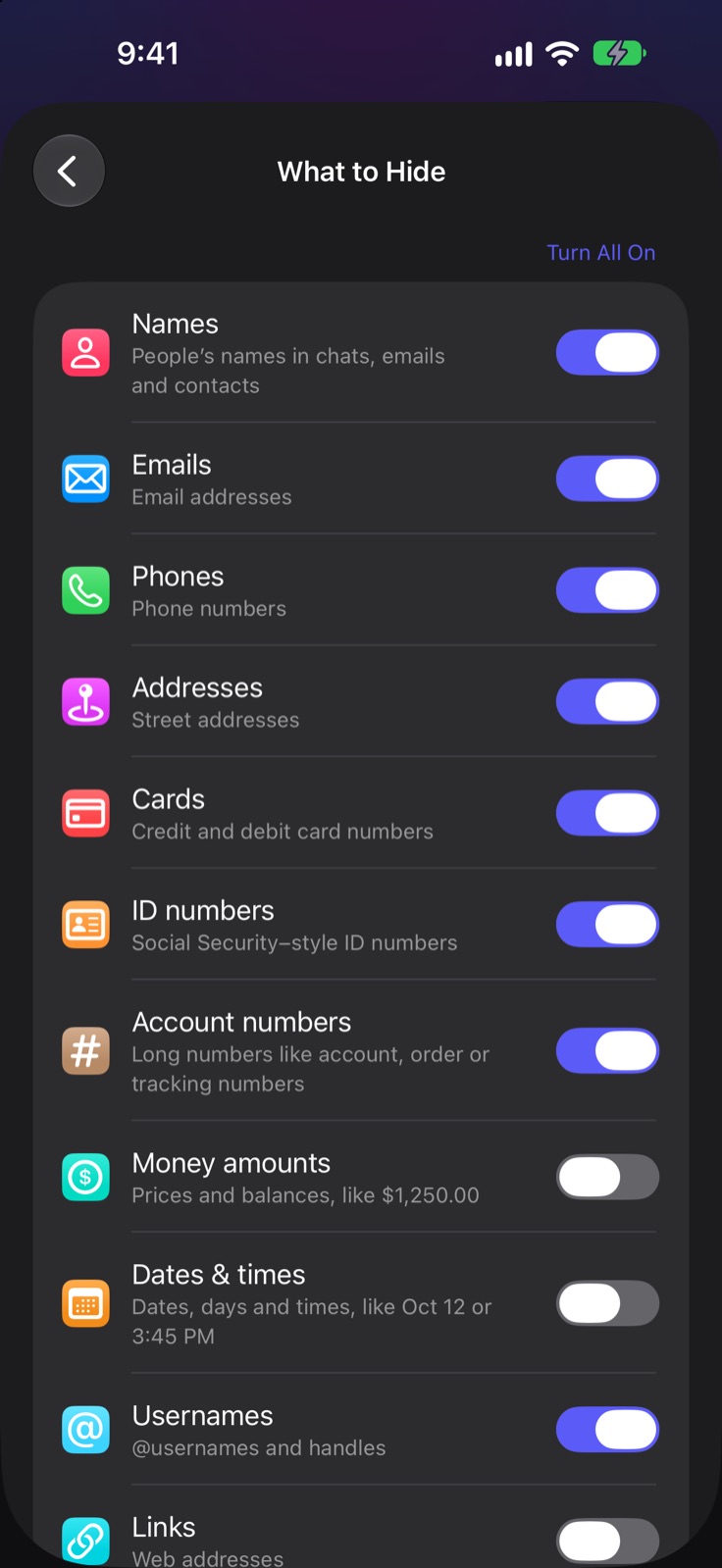
Names, emails, phone numbers, street addresses, card numbers, ID and account numbers, QR codes, faces and more, found the moment you open an image.
namesemailsphonescardsfacesQR codes
On-device redaction for iPhone
Scrubshot finds the names, phone numbers, addresses, card numbers and faces in your screenshots and photos, and hides them in seconds. Nothing ever leaves your iPhone.
● 5 free redactions · then $4.99 once · no subscription
Try it
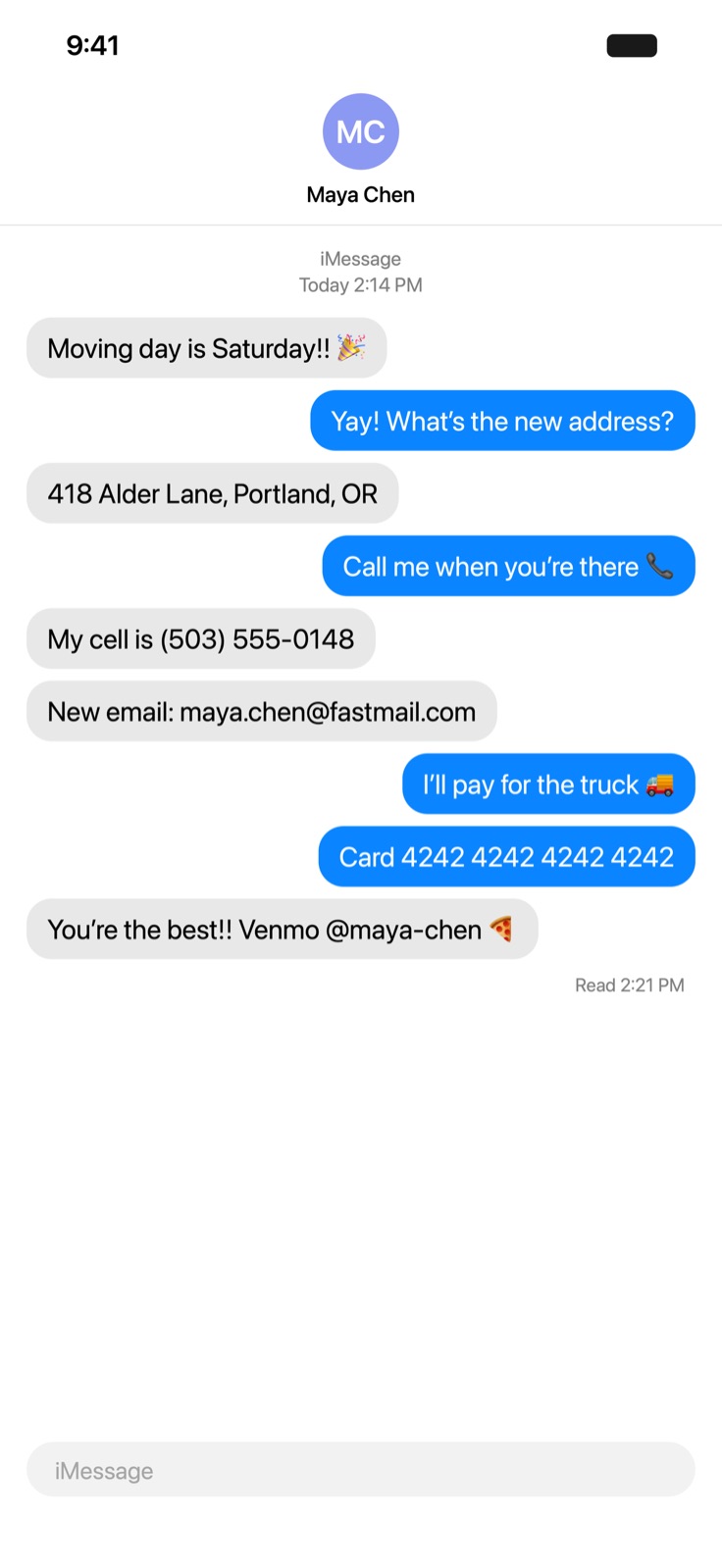
Move your cursor (or drag a finger) across the message. Scrubshot does this for you, automatically.
Hey! New number is (512) 555-0193, I finally moved to 2207 Pinecrest Drive, Austin.
Can you cover the deposit? Card 4111 1111 1111 1111 is fine, receipt to jordan.ellis@gmail.com.
Flight's booked, confirmation QX7K2P. Venmo me at @jordan-e 🙏
All clean. That took you a few seconds; Scrubshot does it before you notice.
Drag to scrub
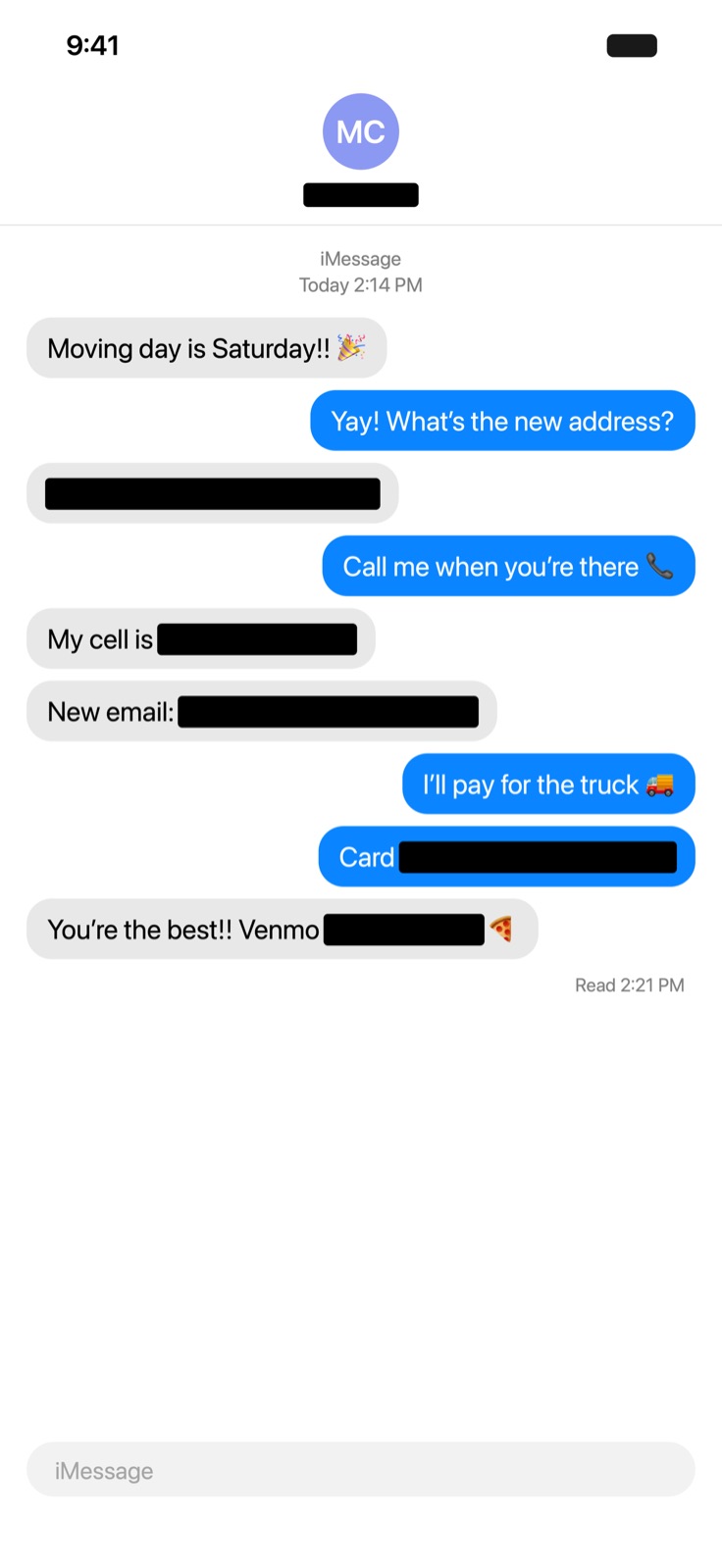
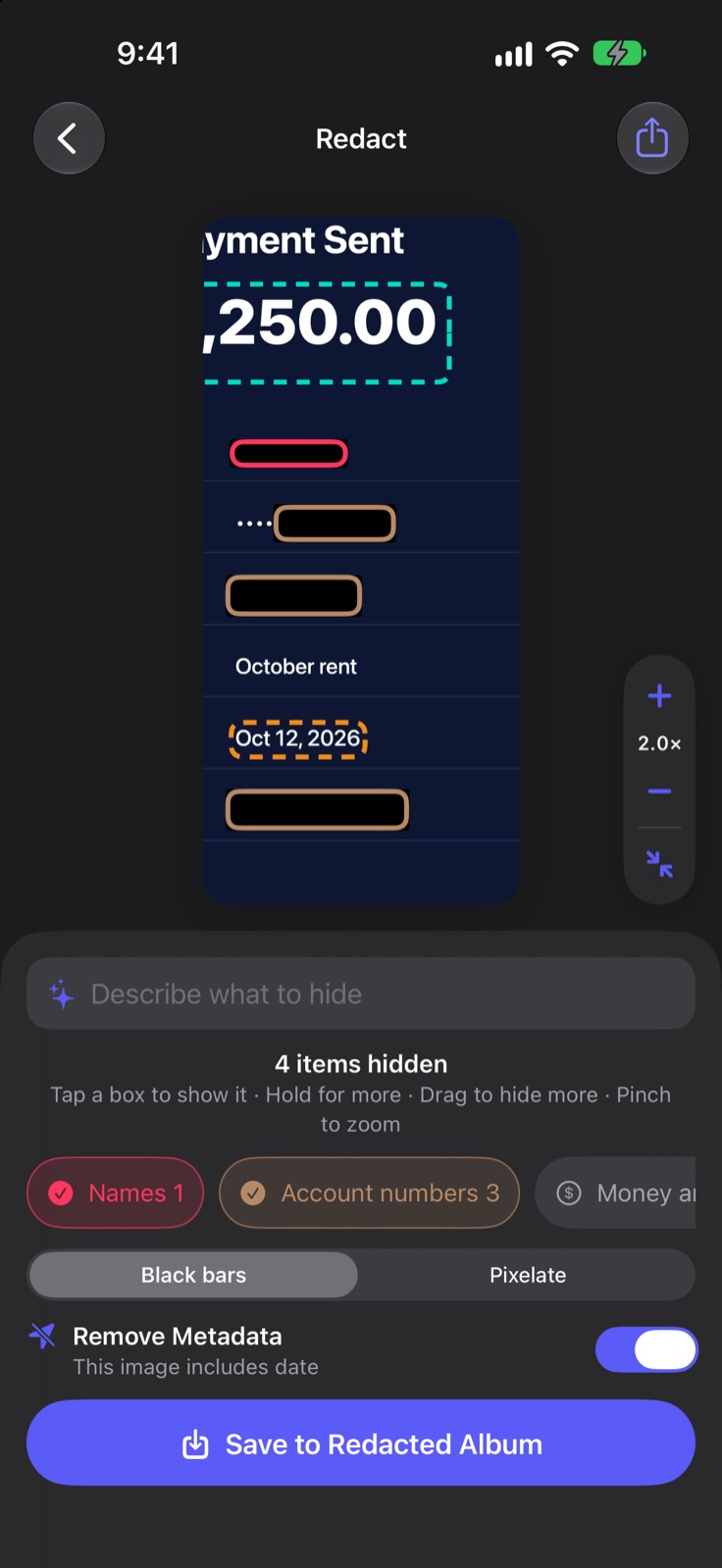
Open any screenshot and Scrubshot has already found the private details. Tap a box to show it, drag to hide anything else, then save or share a clean copy.
Features
Built for the screenshots you send every day, and just as good with photos.
Names, emails, phone numbers, street addresses, card numbers, ID and account numbers, QR codes, faces and more, found the moment you open an image.
Type it like you'd say it. Apple's on-device AI finds it for you.
Pinch to zoom, draw a box over anything, then move or resize it. Undo and redo every change.
Strip location, date and device info from the copies you share. The original can go straight to Recently Deleted.
Hide faces and cover plates, documents and names in any photo, not just screenshots.
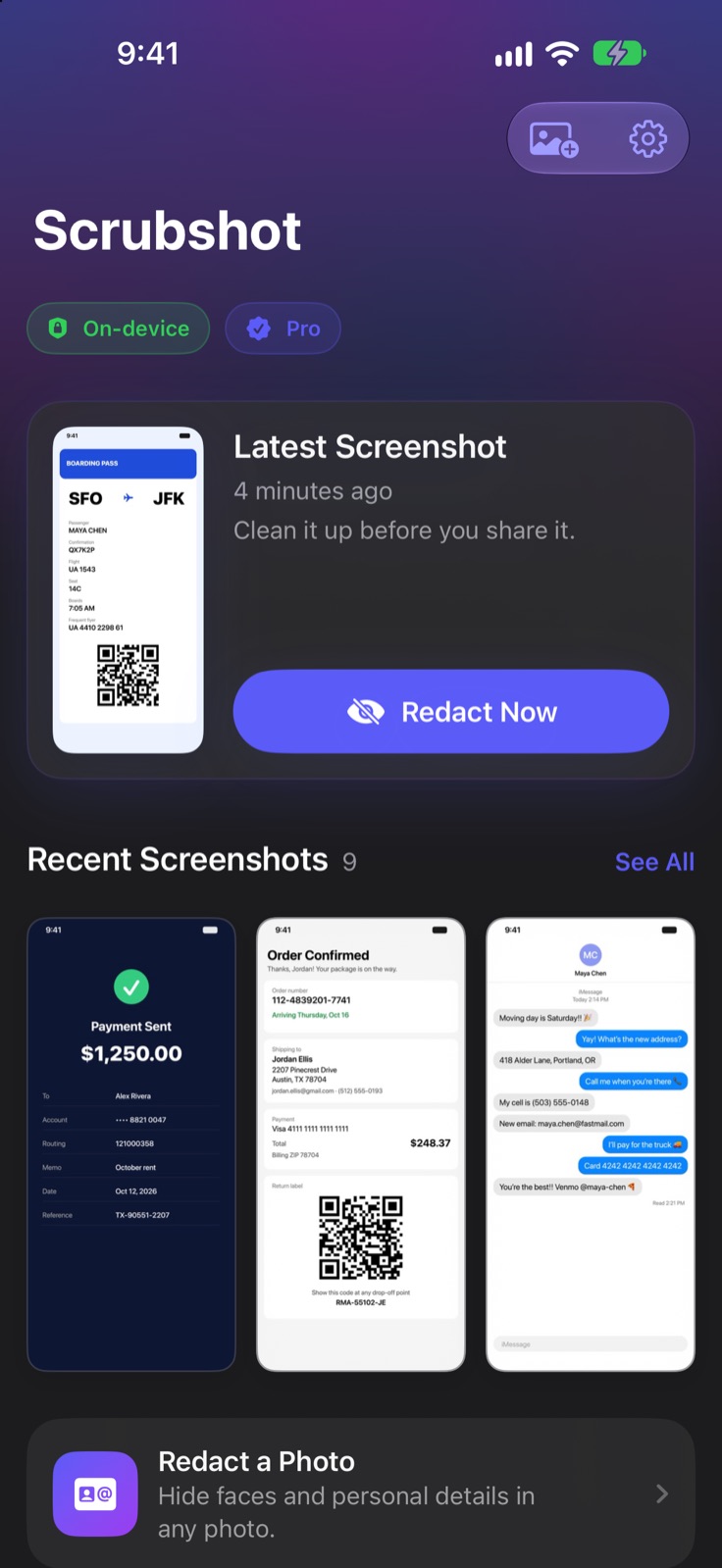
Scrubshot keeps your newest screenshot one tap from clean, with every redacted copy in its own album.
Two fingers to zoom and pan, one finger to draw. Boxes stay precise at any zoom level.
Works where you share
Take a screenshot, tap the thumbnail, then Share → Scrubshot. Fix it up and you're back where you were.
In the share sheet's actions, Quick Scrub hides everything on your list in one tap and saves the copy. No editor needed.
Add the ready-made shortcut and one gesture takes a screenshot, redacts it and saves it to your Redacted album.
Private by design
A privacy app that uploads your screenshots to find the private bits would defeat the point. Scrubshot's detection and AI run entirely on your device.
Pricing
No subscription for an app you'll use a few times a month.
Try everything, then keep the basics.
Everything, unlimited, yours to keep.
FAQ
No. Detection, the describe-to-hide AI and the redaction itself all run on your iPhone. Scrubshot has no account and no servers, and your images never leave your device.
It's free to download, and your first 5 redactions include every feature. After that, Scrubshot Pro is a one-time purchase of $4.99 with Family Sharing. There's no subscription, and drawing boxes by hand stays free.
No. Scrubshot draws a brand-new image with the redactions burned in, using solid black bars or very coarse pixelation. It never uses blur, which can sometimes be reversed.
Yes. Scrubshot hides faces and text such as names, plates and document numbers in any photo.
iOS doesn't let apps react to screenshots on their own, but Scrubshot includes a ready-made shortcut you can put on Back Tap or the Action Button: one gesture takes a screenshot, redacts it and saves it.
More answers in Support · Privacy guides · Free tool: Does your photo reveal where you live?
Scrubshot is coming soon to the App Store for iPhone.
Coming soon on theApp Store