 Scrubshot
Press kit
Writing about Scrubshot?
Everything you need: the facts, ready-to-use descriptions and high-resolution artwork. Questions or a review copy? Email us.
Download the full press kit (.zip, 4 MB) Contact us
Fact sheet
- App
- Scrubshot
- Developer
- Hunter Eddington
- Platform
- iPhone · iOS 18 or later
- Release
- Coming soon to the App Store
- Price
- Free download with 5 full redactions; Scrubshot Pro is a one-time $4.99 purchase with Family Sharing
- Privacy
- No account, no servers, no analytics. App Store privacy label: Data Not Collected
- Website
- scrubshot.app
- Contact
- support@scrubshot.app
Descriptions
One line
Scrubshot hides the private details in your screenshots and photos, right on your iPhone.
Short (about 50 words)
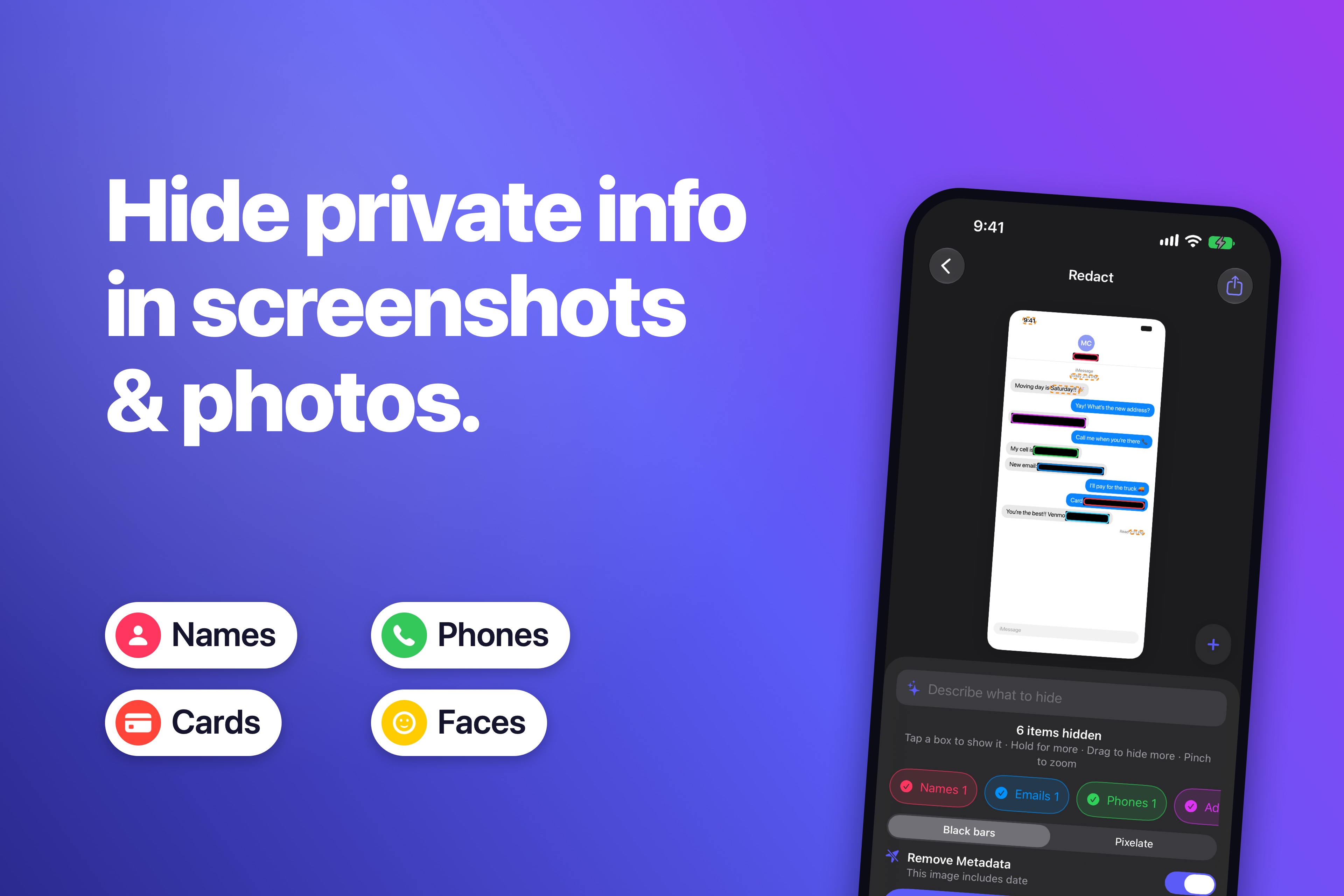
Scrubshot is an iPhone app that finds the names, phone numbers, addresses, card numbers and faces in your screenshots and photos, and covers them in seconds. You can type what to hide in plain words, and it removes hidden location data too. Everything runs on-device: no account, no servers, no tracking.
Long (about 150 words)
Every screenshot tells more than you meant to share: a phone number in a chat, an address on an order, a card number, a face in the background. Scrubshot finds those details the moment you open an image and covers them with solid bars or coarse pixelation that can’t be reversed. Type what you want gone, like “the address” or “my messages,” and Apple’s on-device AI finds it. Precise editing includes pinch-to-zoom, movable boxes and undo. Scrubshot works where people share, from the share sheet, a one-tap Quick Scrub action, Shortcuts, Back Tap and the Action Button, and it strips location and device metadata from the copies you send. Nothing ever leaves the iPhone: there’s no account, no server and no analytics, and the App Store privacy label is “Data Not Collected.” Scrubshot is free to try, then a single $4.99 purchase with no subscription.
Key features
- Automatic detection of names, emails, phone numbers, addresses, card and account numbers, QR codes and faces
- “Describe what to hide” powered by Apple’s on-device foundation model
- Share extension, Quick Scrub action, App Intents for Shortcuts, Back Tap and the Action Button
- Pinch-to-zoom editing with movable, resizable boxes and undo
- Removes location, date and device metadata; saves to a dedicated Redacted album
- 100% on-device, with no account and no data collected
Artwork
Screenshots
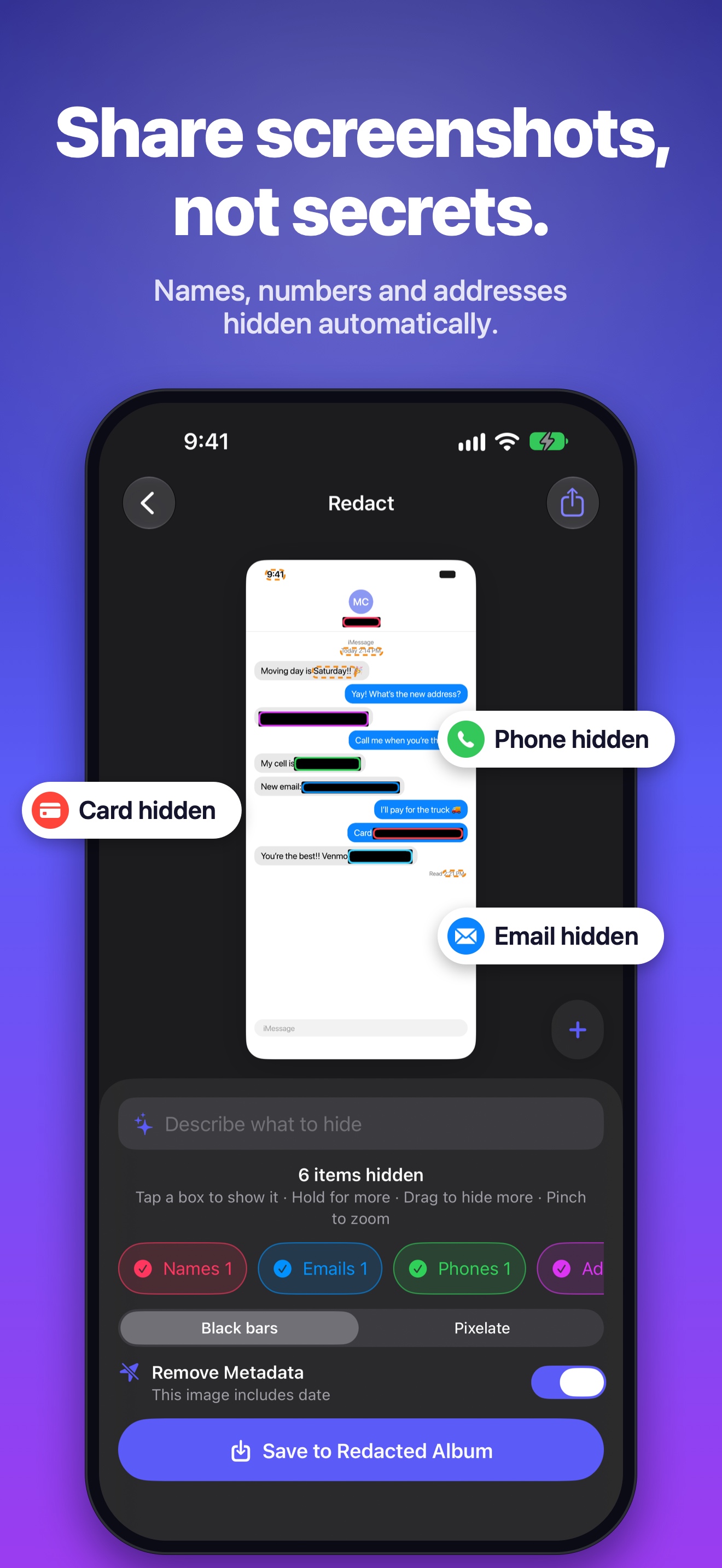 Automatic redaction · 1320×2868
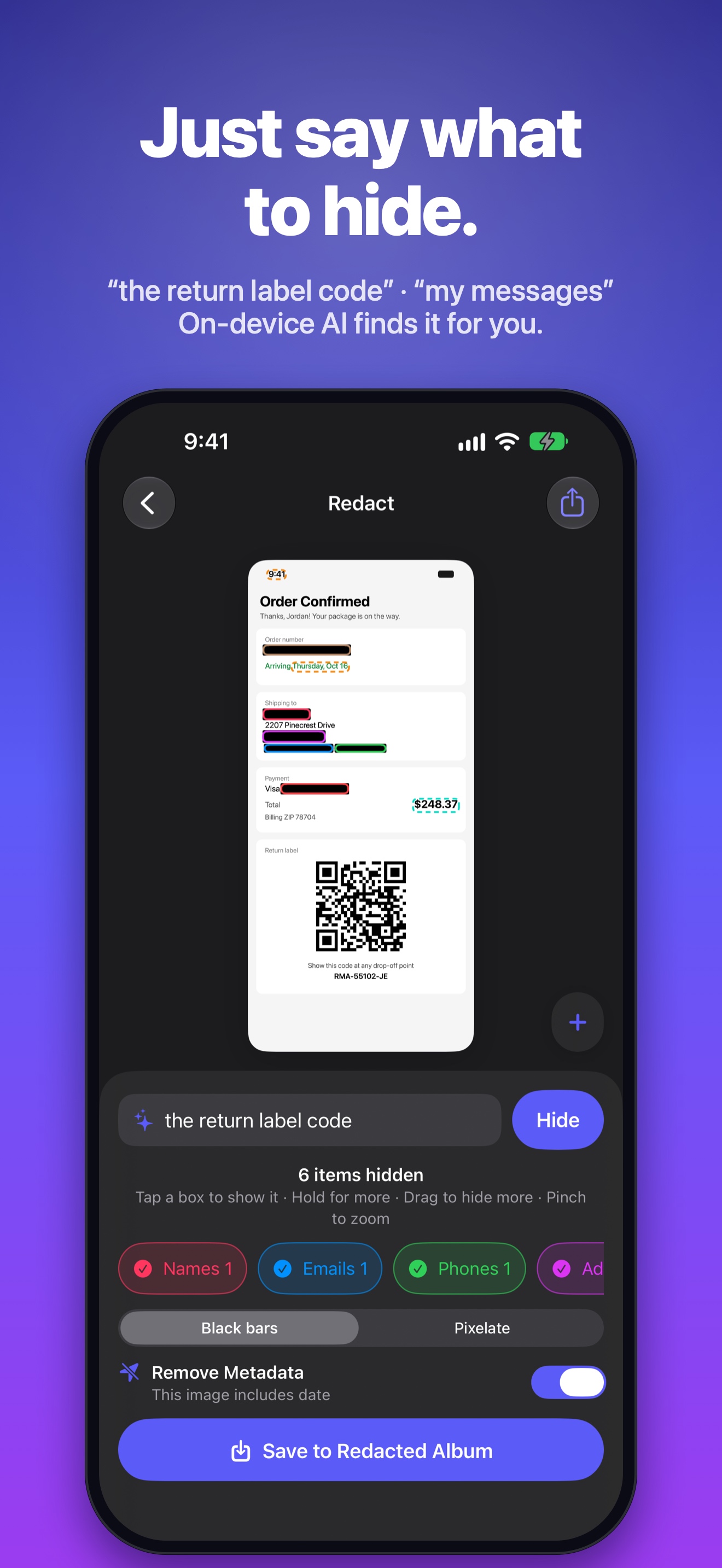 Describe what to hide · 1320×2868
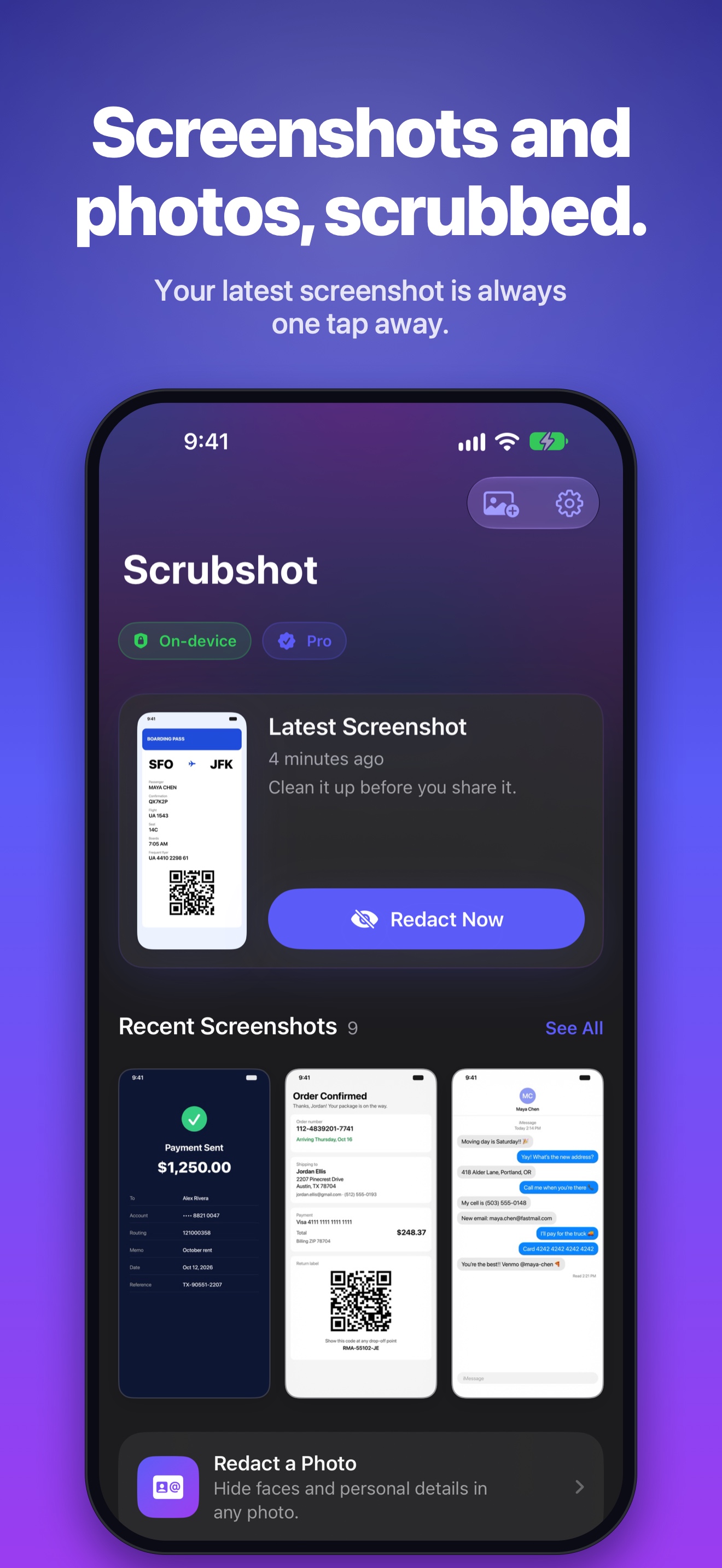 Home · 1320×2868
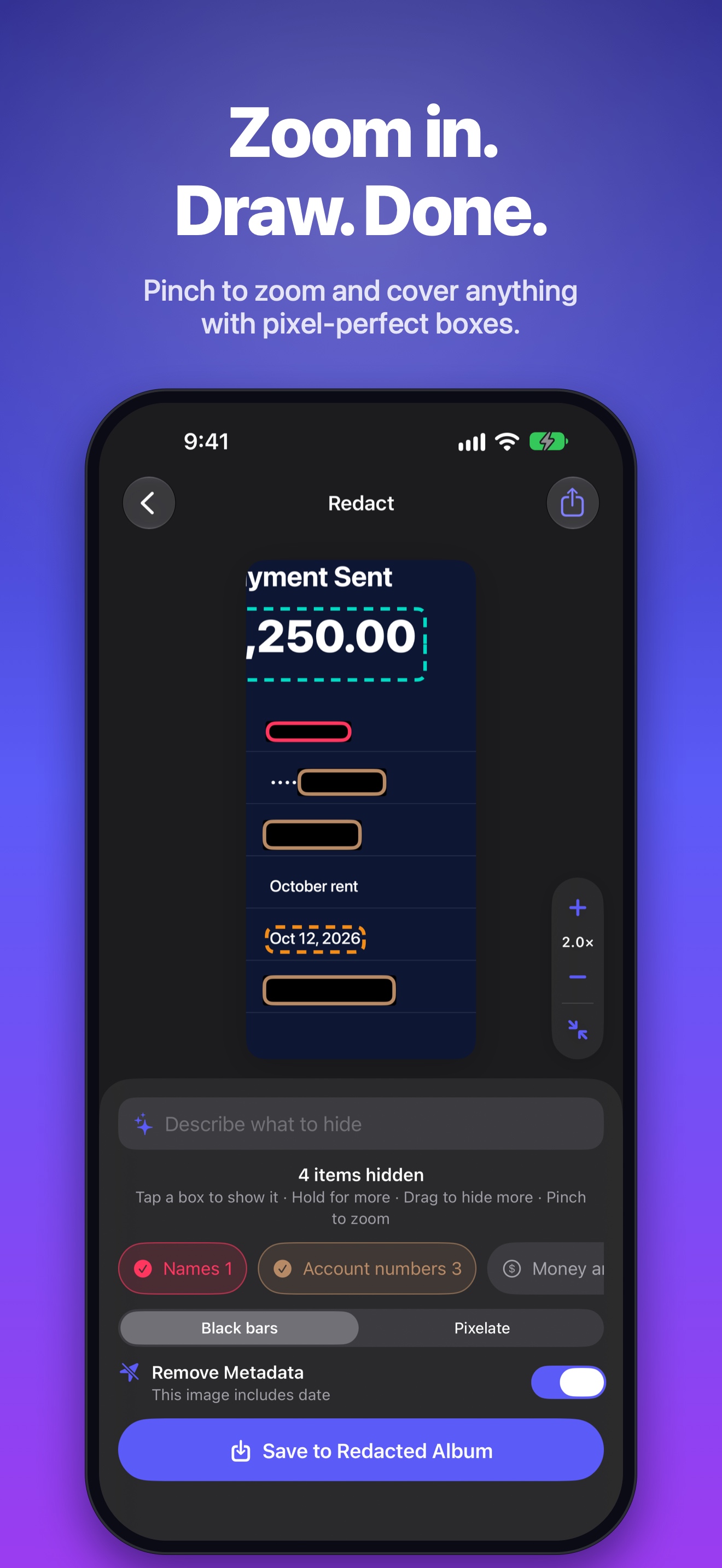 Zoom and draw · 1320×2868
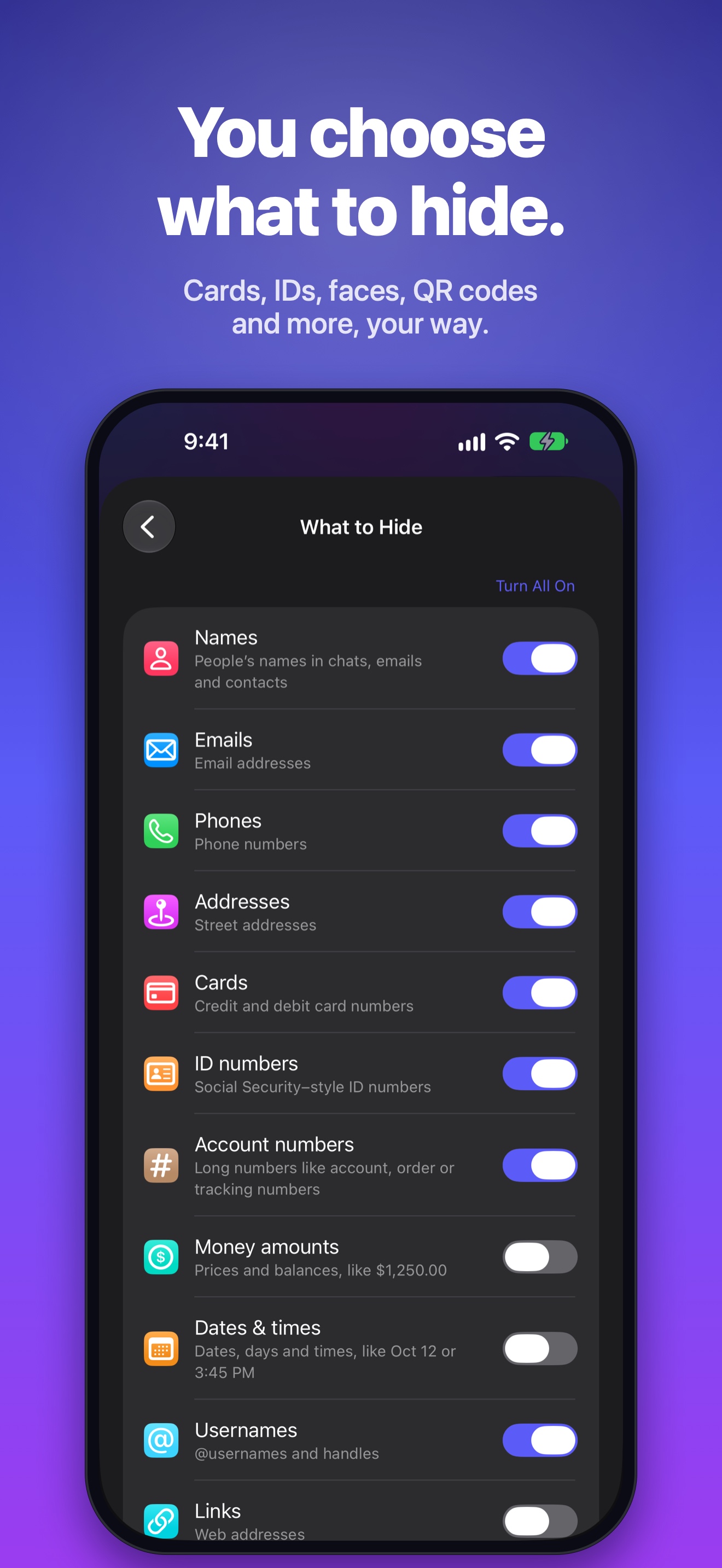 Choose what to hide · 1320×2868
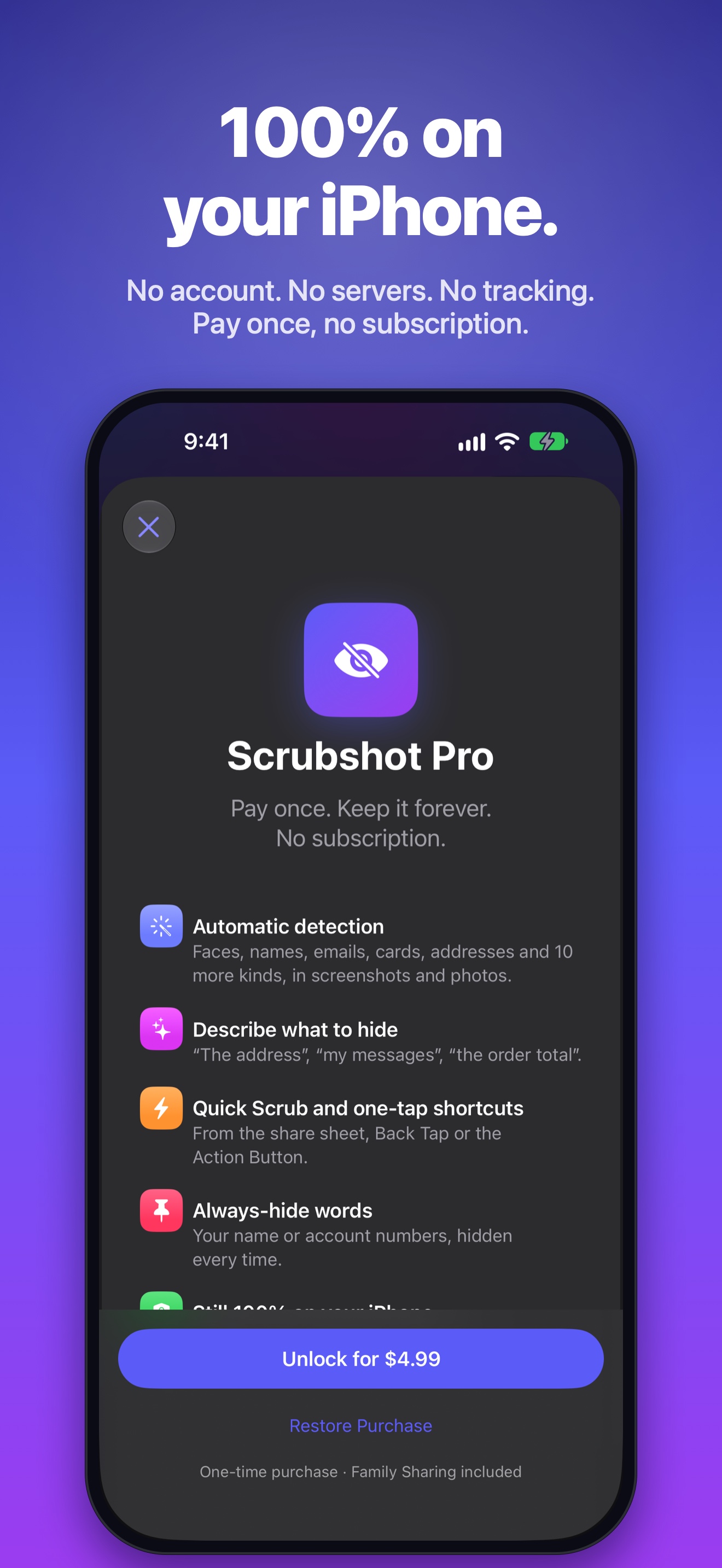 On-device · 1320×2868
Brand
#5B5BF7#9B3CF0#07060F#020205Please write the name as Scrubshot (one word, capital S). Don’t alter the icon’s colors or shape.